S1 Game Download App Latest Version Free For Android
Just Now
47 MB
V1.6.4
Android And IOS
300k

Description
Mobile gaming has evolved dramatically in recent years, transforming smartphones into full-fledged entertainment hubs. Among the growing list of gaming apps, S1 Game has surfaced as a popular choice for users looking for variety, simple controls, and engaging gameplay in one package. Designed primarily for mobile platforms, it brings together card games, casual slot formats, and arcade challenges into a single dashboard.
Whether you are completely new to mobile apps or a seasoned casual gamer, understanding how a platform operates before diving in is key to getting the best experience. This comprehensive guide covers everything you need to know about S1 Game, including its mechanics, standout features, practical tips, and common pitfalls to avoid.
What is S1 Game?
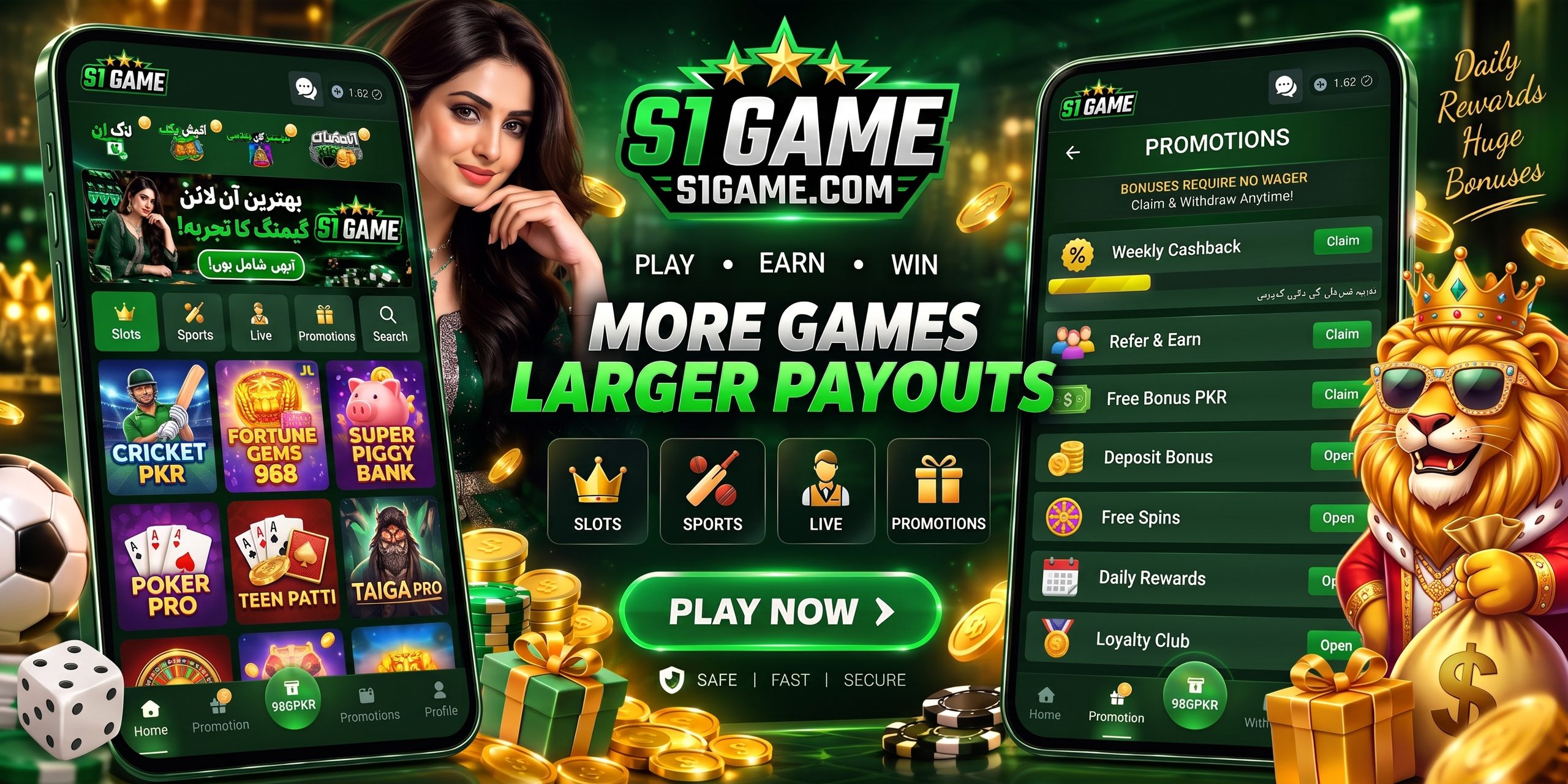
S1 Game is a mobile gaming platform that offers a variety of card, slot, and arcade-style mini-games within a single application. It is designed to provide quick entertainment through a user-friendly interface suitable for both beginners and experienced players.
The platform acts as a centralized app where users can set up a profile, explore multiple game categories, and manage their preferences without needing to download separate apps for each game mode. You can also try E444 Game.
How Does S1 Game Work?
Getting started with S1 Game involves a straightforward setup process:
- Download and Installation: Users obtain the application package (APK file) from official or trusted sources and install it on their device.
- Account Setup: Upon opening the application, players create a profile or log in using basic registration details.
- Dashboard Navigation: The central lobby presents available game genres, ranging from classic card challenges like Teen Patti and Rummy to fast-paced fishing arcades.
- Selecting a Game: Players select a title, read the specific rules for that round, and start playing.
- Wallet Management: For platforms supporting digital rewards or balance tracking, the app includes a dedicated wallet menu for monitoring activity.
Key Features of S1 Game
The ongoing popularity of S1 Game stems from several practical features tailored for modern mobile devices:
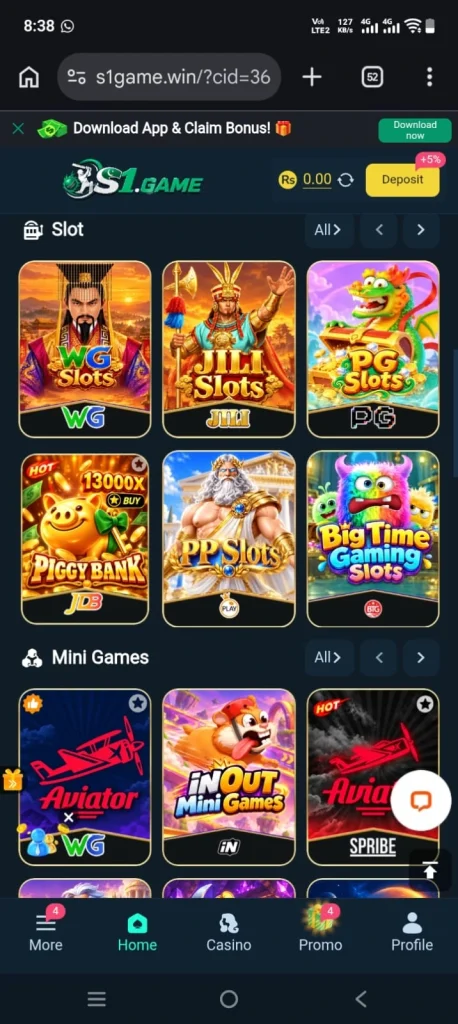
- All in-One Game Library: Access card games, wheel spins, and arcade titles without switching apps.
- Clean User Interface: Simple navigation menus ensure that even first-time users can locate account settings and game modes effortlessly.
- Low System Requirements: Optimized to run smoothly on both low-end and high-end Android smartphones.
- Daily In App Incentives: Features login rewards and promotional events that keep the gameplay experience dynamic.
- Localized Wallet Options: Supports seamless integration with local digital wallets and mobile payment methods.
Benefits of Using S1 Game
Using a unified platform offers several distinct advantages over downloading individual casual games:
Convenience and Space Savings
Instead of filling your device storage with dozens of separate gaming apps, S1 Game consolidates multiple genres into one lightweight installation.
Variety for Every Player
If you get tired of playing strategic card games, you can instantly switch to a casual arcade fish-hunter or spin game without leaving the application.
Accessible Learning Curve
Most mini-games within the app come with simple mechanics, allowing casual players to pick up the rules in just a few practice rounds.
Why People Use S1 Game
Many users gravitate toward S1 Game because it offers accessible, on-the-go entertainment. The combination of responsive performance, minimal loading times, and community events makes it an attractive option for filling short breaks throughout the day. Additionally, social features such as referral rewards allow players to share their gaming experience with friends.
Important Tips About S1 Game
To ensure a safe and enjoyable experience, keep these best practices in mind:
- Download Only from Official Channels: Always download the app from verified sites to avoid compromised files.
- Understand the Rules First: Read the instructions for each mini-game before taking part.
- Maintain a Stable Connection: Use reliable Wi-Fi or mobile data to prevent disconnections during active rounds.
- Keep Profile Credentials Secure: Protect your login details and avoid sharing password information with third parties.
Common Mistakes to Avoid
- Rushing into Complex Games: Jumping into strategic card matches without knowing the card rankings often leads to early losses.
- Ignoring App Updates: Skipping software updates can result in performance bugs or missed security enhancements.
- Treating Gaming as Financial Income: Casual gaming apps should be enjoyed strictly for entertainment rather than viewed as a reliable income source.
Disclaimer
The information provided in this article is for educational and informational purposes only. “S1 Game” is a third-party application, and we are not directly affiliated with, sponsored by, or endorsed by its developers. Downloading third-party APK files carries inherent security risks; readers are advised to exercise caution, use official sources, and verify local laws regarding real-money gaming or online skill games in their respective jurisdictions. We do not guarantee any financial gains, rewards, or specific outcomes through the use of this app. Play responsibly.
Pros and Cons
| Pros | Cons |
| Broad selection of games in one app | Not always available on official app stores |
| Lightweight and fast performance | Requires a continuous internet connection |
| Simple, intuitive dashboard navigation | Third-party APK files require manual installation |
| Regular updates and security patches | Outcome-based mini-games carry inherent risk |
Frequently Asked Questions
Is S1 Game free to download?
Yes, the application file is generally free to download and install on compatible Android devices.
Can I play S1 Game on a desktop PC?
Yes, you can run S1 Game on a PC by using a standard Android emulator such as BlueStacks or LDPlayer.
What should I do if the app crashes?
Ensure your application is updated to the latest version, clear the app cache from your phone settings, and verify that your internet connection is stable.
How do I secure my S1 Game account?
Use a strong password, keep your account credentials private, and download updates only from trusted sources.
Are game rewards guaranteed in S1 Game?
No, outcomes in casual and skill based mini games vary, and rewards are never guaranteed. Players should use the platform for fun and entertainment.
Final Thoughts
The S1 Game app provides a practical solution for mobile gamers seeking variety and convenience. With its clean interface, diverse selection of mini-games, and smooth performance on most smartphones, it delivers an engaging casual gaming experience. By downloading from trusted sources, practicing good account security, and approaching gameplay responsibly, you can make the most of what this platform has to offer.
Download links
How to install S1 Game Download App Latest Version Free For Android APK?
1. Tap the downloaded S1 Game Download App Latest Version Free For Android APK file.
2. Touch install.
3. Follow the steps on the screen.